CallPal
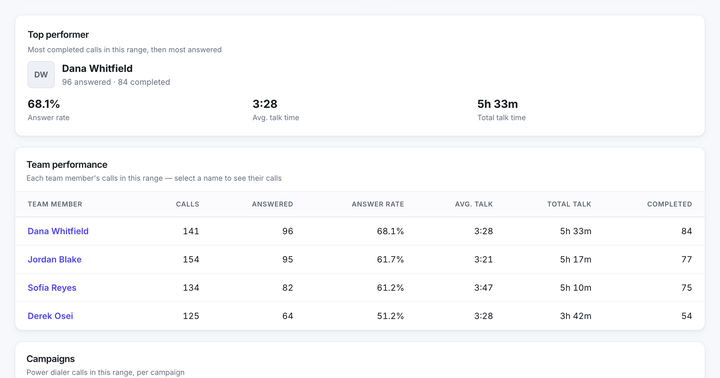
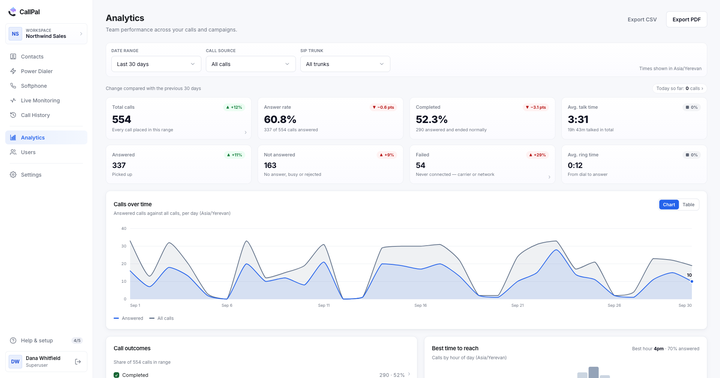
Ask a sales manager whether their reps log calls and you will get "yes, mostly". Compare the dialer’s call count with the CRM’s activity count for the same week and the honest number appears. It is rarely above 60%, it is usually much worse on the busiest days, and the missing calls are not random — they are the ones from the sessions where the most calling happened.
This is not a discipline problem. Logging a call takes 30–60 seconds of typing, at the exact moment a rep has the least appetite for it, and the person who benefits is someone else next quarter. Any process built on that incentive will decay. The only durable fix is to remove the step.
What "logged" should actually mean
A useful call record on a CRM object carries six things. Anything less and you have an audit trail rather than something a report can use.
- Who placed the call — a real user, not the integration’s service account.
- When it started, with a time zone.
- How long it lasted, connected time separate from total duration.
- What happened — answered, no answer, voicemail, failed — as a structured value, not free text.
- The outcome the rep chose, if your process has dispositions.
- A link to the recording, if there is one, rather than the audio itself.
The distinction between duration and connected time matters more than it sounds. A 45-second "call" that was 42 seconds of ringing is not a conversation, and a report that cannot tell the difference will describe a team as busy when it is being ignored.
Three ways calls reach the record
1. Native call activities
Some CRMs model a call as a first-class object with its own fields for direction, duration and outcome. When the CRM supports it, this is the best target: the data lands in structured fields, so it can be filtered, grouped and reported on natively.
2. Notes or timeline entries
Where a CRM has no call object, the fallback is a note on the record: a short, consistently formatted line on the timeline. Perfectly readable by a human, and roughly useless for reporting, because the duration is prose. Format it rigidly anyway — a consistent note can be parsed later, an inconsistent one cannot.
3. Webhooks into your own pipeline
The escape hatch when neither fits: the calling platform emits an event, you decide where it goes. Maximum control, and now you own a piece of integration code with its own failures and retries. Worth it only when the first two genuinely cannot express what you need.
The identity problem nobody warns you about
Writing a call back requires knowing which record it belongs to, and that is harder than it looks. Four failure modes account for most misfiled activity.
Phone-number normalisation
(617) 555-0142, 617-555-0142 and +16175550142 are one number stored three ways. Matching on the raw string fails, silently, and the call lands nowhere. Any integration you trust must normalise to E.164 before it compares — and you should ask, because plenty do not. To see the state of your own list, run it through the phone number formatter.
Shared numbers
A main switchboard number appears on forty contacts at the same company. Matching a call by number alone attaches it to whichever record was found first. The fix is to match on the record you dialed from rather than on the number that went out, which requires the platform to have carried the record’s identity through the call.
Duplicates
Two records for one person means half the history on each. This is a CRM hygiene problem, but call logging is where it becomes visible and expensive.
Cross-object ids
In several CRMs a person with id 12345 and a company with id 12345 are different records. An integration that keys on the id alone, without the object it came from, will eventually write a call onto a company that a person made. Scoping identity per object is the fix, and it is the kind of thing worth asking a vendor about directly.
How to tell whether yours is working
- Reconcile the counts weekly. Calls in the dialer for the period, activities in the CRM for the same period. They should be within a percent or two. A persistent gap means calls are being dropped, and knowing the size of the gap is the whole diagnosis.
- Spot-check five records. Open five contacts called yesterday. Is the call there, on the right record, with a duration that matches?
- Look for activity with no owner. Calls logged against the integration’s service account rather than the rep who made them break every per-rep report downstream.
- Check the failures. No-answers and failed calls should be logged too. An integration that writes only connected calls makes a list look far more responsive than it is.
- Test a rename. Rename a field in the CRM and see whether the sync notices. Integrations that map on labels rather than stable field ids break the moment someone tidies a schema.
What CallPal does
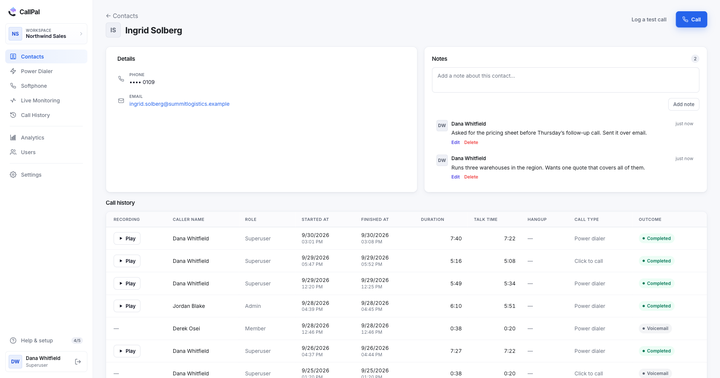
Contacts sync in from the CRM as the objects you choose — people, companies, or a custom object — and each imported contact keeps the id of the object it came from, scoped to that object rather than shared across the workspace. Calls are written back to that record: as a native call activity where the CRM has one, as a formatted note where it does not. Phone numbers are normalised on the way in, and the record identity travels with the call, so a shared switchboard number does not send the activity to a colleague.
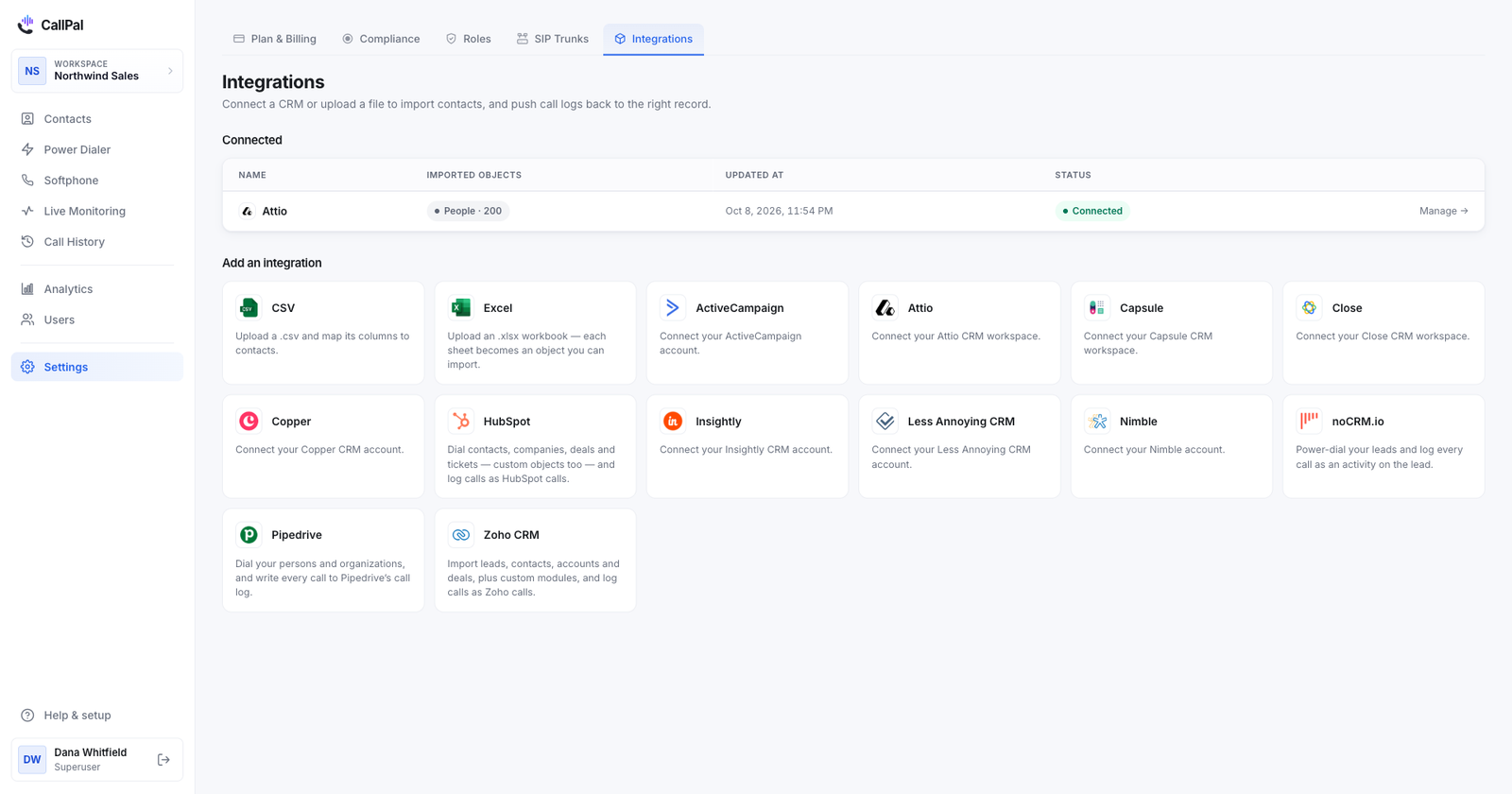
Connected today: Attio, Close, ActiveCampaign, Capsule, Copper, Insightly, Nimble and Less Annoying CRM, plus CSV and Excel import for anything else. The full list is on the integrations page, and the dialing side of the loop is in click-to-call.