CallPal
The short answer: "Pipedrive phone integration" covers four different kinds of tool. RingCentral and Aircall are phone systems that add click-to-call and call logging to Pipedrive. JustCall is a phone system with a strong outbound dialer. CallRail is call tracking: it records which ad or page made an inbound call happen, and is not a dialer at all. CallPal is an outbound-only dialer that runs on your own SIP carrier. Decide which kind of problem you have first. The vendor comes second.
Disclosure: CallPal wrote this post, and CallPal is one of the five options. Every statement about another product comes from that vendor’s own pages or its Pipedrive Marketplace listing, checked on 25 November 2026. Where a page didn’t say, we write "not stated" instead of guessing. There are no competitor prices here, because they change too often for a blog post to keep up.
What Pipedrive does on its own
Pipedrive’s help center puts it plainly: "Although Pipedrive doesn’t have a built-in calling integration, you can still make calls directly from the platform using a calling app from our Marketplace." What ships in the box is phone-based. The mobile apps make and log calls, and Web-to-mobile sends a number from the web app to your phone, where "calls you make will be charged on your usual phone bill".
Everything else comes from an app. An admin installs it and sets it as the default calling app, and from then on clicking a number in Pipedrive hands the call to that app. So the real question is which app, and that depends on what you need the phone to do.
Four kinds of phone tool, four different jobs
| Kind | Main job | Examples here | Pick it when |
|---|---|---|---|
| Business phone system | Make and answer calls, route inbound, SMS | RingCentral, Aircall | The phone is a company-wide tool |
| Phone system with an outbound dialer | The same, plus dialing through lists | JustCall | One vendor for inbound and heavy outbound |
| Call tracking | Tie inbound calls to the ad or page behind them | CallRail | Marketing needs to know which campaign rang |
| Outbound dialer on your own carrier | Work call lists, log every call | CallPal | The team only dials out and has a carrier |
The mistake to avoid is buying one kind and expecting another. Call tracking will not give your reps a list to dial. A phone system will dial, but you may pay for inbound routing and queues nobody uses. A dialer that only places calls cannot answer the phone when a customer rings back.
What each one writes into Pipedrive
RingCentral (App Connect)
RingCentral’s Pipedrive integration is App Connect, which the Marketplace listing describes as "a Chrome and Edge extension". It adds a "hover-to-show tooltip revealing a click-to-call button on any phone number within Pipedrive", shows screen pops for incoming and outgoing calls, and lets users "automatically or manually synchronize your RingCentral call history, SMS, and voicemail logs to Pipedrive contacts, deals, and activities". RingCentral’s App Connect documentation for Pipedrive starts with installing the extension from the Chrome Web Store.
Good for companies already on RingCentral for their phones, that want Pipedrive to show those calls and texts. Watch out for the extension model: it runs in the browser, so check RingCentral’s documentation on server-side logging if calls must be logged when nobody has Pipedrive open. List dialing from a Pipedrive filter is not stated on the listing. Which RingCentral plan you need is not stated either.
Aircall
Aircall’s Marketplace listing and its own Pipedrive page describe click-to-dial from any deal or contact, and calls and SMS logged as activities on the deal, contact or organization, with "the recording attaches to the deal". Aircall’s AI call summary is written into the activity note. Its Power Dialer works through call lists, and the page says you can "PowerDial through leads after loading a list from Pipedrive". Contacts sync in both directions.
Good for teams that answer calls as well as make them and want a mature phone system with a list dialer. Watch out for paying for a full phone system if the team only dials out. Aircall supplies the numbers and bills the calls, so your carrier is Aircall.
JustCall
JustCall’s Pipedrive page covers calling and texting "in a click, directly from Pipedrive", with calls, SMS and voicemail logged automatically and recordings, notes and dispositions attached to the contact. Campaigns run on Pipedrive contact lists using "Power, Dynamic, and 10-line Predictive Dialers". Sync goes both ways, and a contact is created when no match exists. The page says "admin access is required to connect JustCall with Pipedrive".
Good for teams that want calls, texts and several dialing modes, including multi-line dialing, from one vendor. Watch out for the predictive and multi-line modes: they ring several numbers per rep, so some people answer to silence and are dropped. Our parallel dialer glossary entry explains that trade. JustCall also supplies the numbers and bills the minutes.
CallRail
CallRail describes its product as call tracking: "Call Tracking shows what marketing drives your calls and texts". Its Pipedrive integration "creates a record in Pipedrive for every inbound call". It matches the caller by phone number or email, updates the record or creates a new one, and posts a note with the call’s source, medium, campaign and landing page. With CallRail’s Premium Conversation Intelligence, an AI call summary is added. CallRail lists the integration’s first release as August 2026.
Good for marketing teams that run ads and need each inbound call in Pipedrive with the campaign that produced it. Watch out for expecting a dialer. The pages we read describe answering and returning calls from tracking numbers, not working an outbound list, and the Pipedrive page does not say that outbound calls are logged. Many teams run CallRail for inbound attribution next to a separate tool for outbound calling.
CallPal
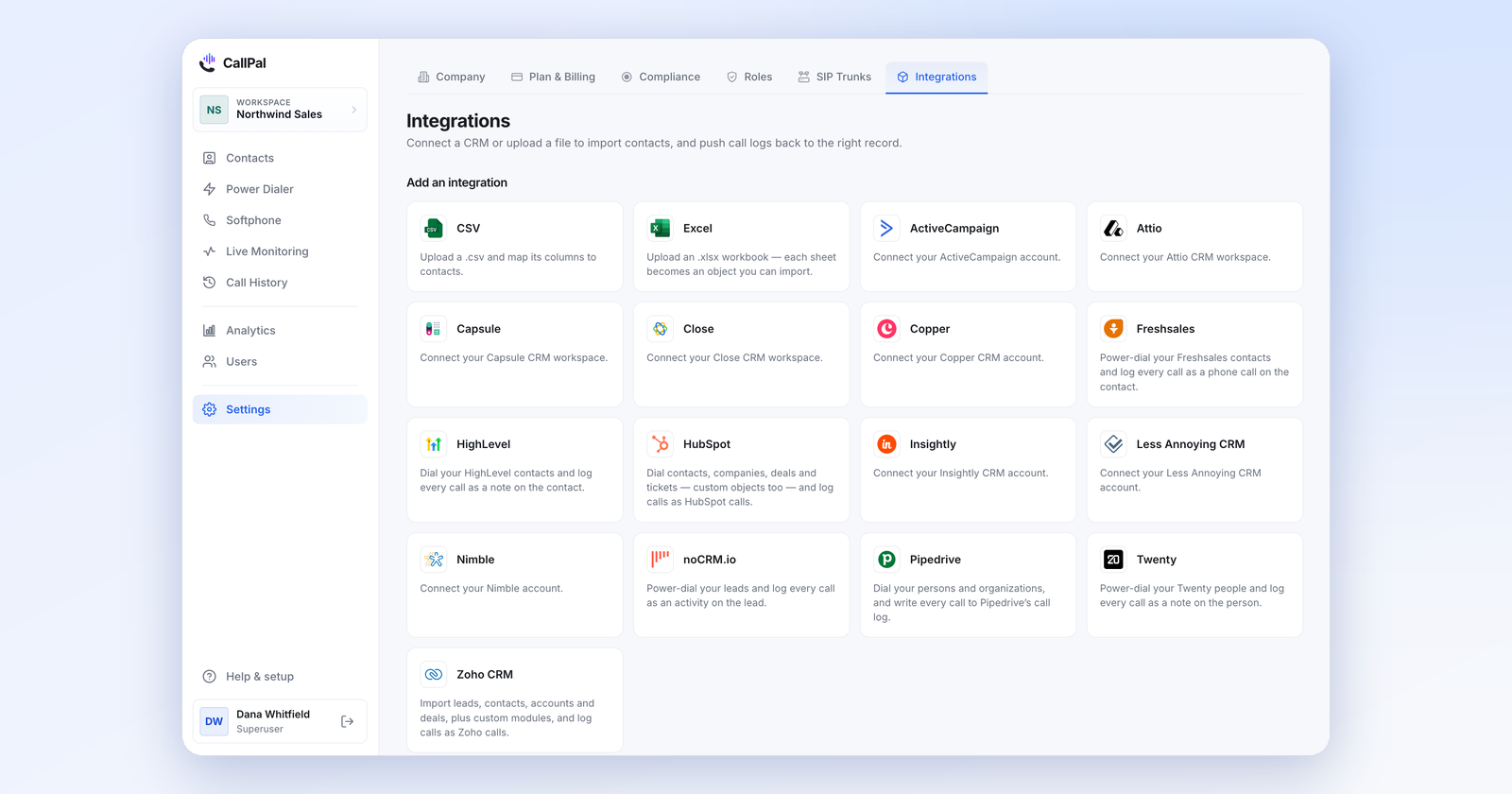
This is our product. CallPal connects to Pipedrive with OAuth and imports persons, organizations and deals, including custom fields and every labelled phone number. Reps call from a browser softphone, one click at a time or, on Pro and up, through a power dialer campaign built from a filter such as one deal stage. Each finished call is written into Pipedrive’s own call log on the person, with duration, outcome and a link to the recording. Logging runs on CallPal’s servers, so it does not depend on a browser tab staying open. Calls go out over your own SIP trunk, and CallPal adds nothing to the per-minute rate.
Good for outbound teams that dial through pipeline stages and already have, or want, their own carrier. Watch out for the limits. CallPal is outbound only, with no inbound routing, IVR or SMS. It dials one call per rep, never several at once. Reps work in CallPal’s own tab rather than a panel inside Pipedrive, and records re-sync every 30 minutes or on demand. You need an account with a SIP carrier such as Telnyx or Twilio, which the bundled tools do not ask for. Setup is in the Pipedrive guide.
Side by side
| RingCentral | Aircall | JustCall | CallRail | CallPal | |
|---|---|---|---|---|---|
| Click-to-call from Pipedrive | Yes, browser extension | Yes | Yes | Not stated | Yes, via CallPal |
| Dial a Pipedrive list | Not stated | Yes, Power Dialer | Yes, several modes | No | Yes, power dialer (Pro+) |
| Calls logged to Pipedrive | Yes, auto or manual | Yes, as activities | Yes, automatically | Inbound calls | Yes, in the call log |
| Recording on the record | Not stated | Yes, on the deal | Yes, on the contact | Not stated | Yes, as a link |
| Inbound calls and SMS | Yes | Yes | Yes | Inbound tracking, texts | No |
| Who carries the minutes | RingCentral | Aircall | JustCall | CallRail numbers | Your own carrier |
How to choose
- You already run RingCentral for the company’s phones. Start with App Connect. Moving phones to get a Pipedrive button is rarely worth it.
- Your problem is "which ad made the phone ring". That is CallRail, and it does a job none of the dialers do. Pair it with a dialer if reps also call out.
- One team answers and dials, and texts are part of the job. Aircall or JustCall. Choose JustCall if you want multi-line dialing as well.
- The team only dials out, and the per-minute line on the bill matters. A dialer on your own carrier, such as CallPal, avoids paying for inbound features and platform minutes.
- You are not sure yet. Read the best dialer for Pipedrive, which compares seven dialers on the same questions.
A ten-call test before you commit
- Connect the trial to a copy of real Pipedrive data, not a demo account.
- Place ten calls from a filter your team actually uses, including a wrong number and a voicemail.
- Close every browser tab, place one more call from a phone, and check whether it still logs.
- Open the person in Pipedrive and check that each call is there, on the right record, with the right outcome.
- Ask a rep to open last Tuesday’s recording from Pipedrive in under thirty seconds.
If the calls are not on the record, the integration has moved the admin work somewhere else rather than removed it. Our guide to logging calls in your CRM automatically covers what a good log entry should contain.