CallPal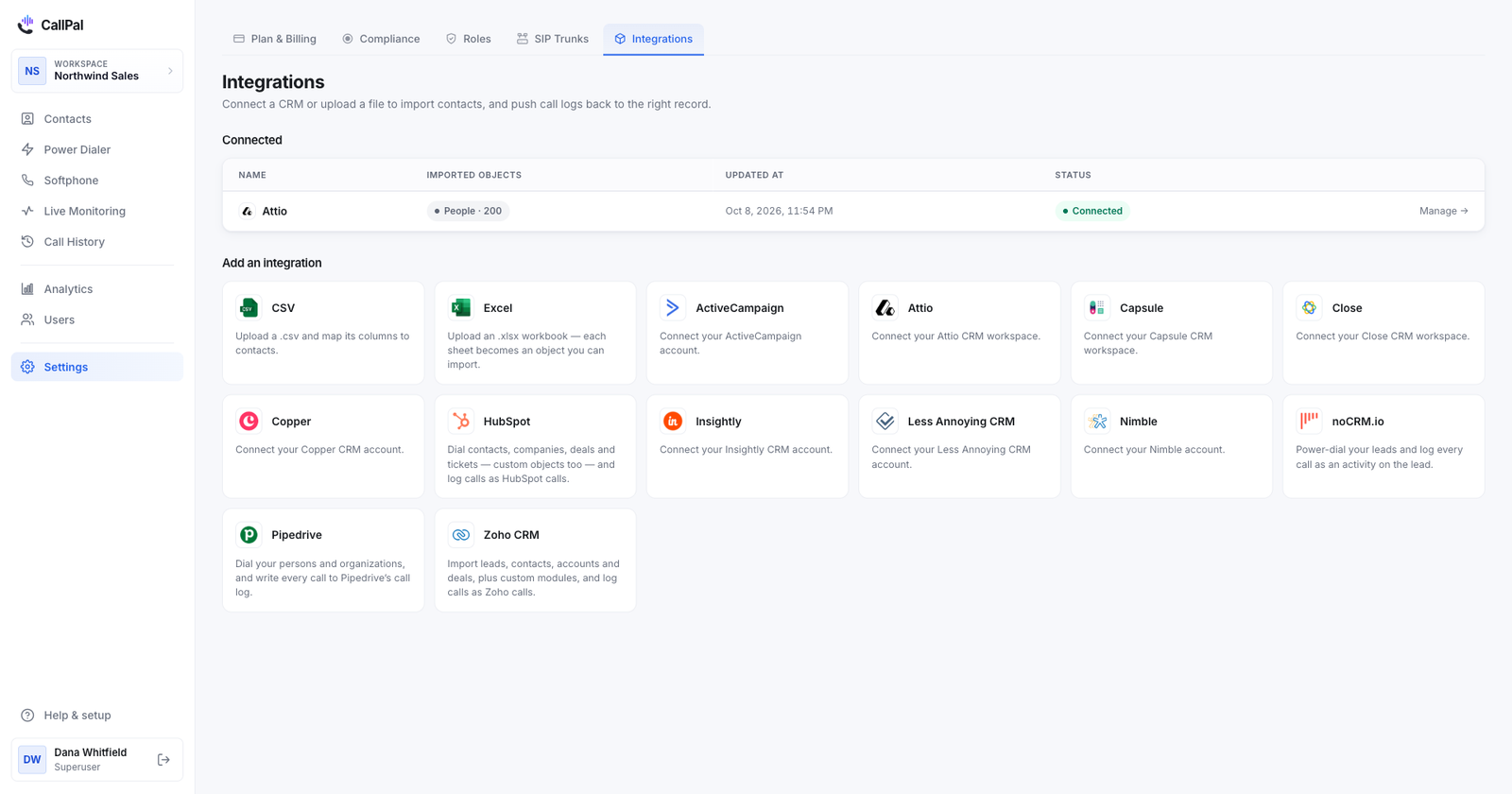
The short answer: if you are on Sales Hub Enterprise and HubSpot’s included minutes cover your team, try HubSpot’s own power dialer first. If you want calls, texts and AI summaries from one vendor, trial JustCall, Kixie, Aircall and CloudTalk. If your team only dials out, wants to keep its own SIP carrier and works deal stages or ticket queues as calling lists, CallPal is built for that case.
Disclosure: CallPal wrote this post, and CallPal is one of the six options. Every claim about HubSpot comes from HubSpot’s own product catalog and knowledge base, and every claim about the other four vendors from their own HubSpot integration page, as we read them in October 2026. We have left out prices on purpose, because they change too often to print. Where a page did not mention a capability, the table says so. That means we did not see it on the page, not that the product cannot do it.
What HubSpot’s own calling does
Unlike most CRMs, HubSpot ships calling in the box. Its product catalog describes it like this:
Place outbound calls from your HubSpot account, and receive inbound calls in your browser or forward them to a personal device. Calls can be recorded and auto-logged in your HubSpot database.
HubSpot Product & Services Catalog, “Calling”
The limit is minutes. The same catalog lists calling as up to 500, 3,000 or 12,000 minutes per account per month depending on the edition, with 3,000 on Sales Hub Professional. That allowance is shared by the whole account, not given to each user, and it does not add up across products: Sales Hub Professional and Service Hub Professional together still mean 3,000 minutes. When the minutes run out, HubSpot’s calling FAQ says you “can’t start new calls from HubSpot” until they reset at the start of the next month, unless you buy more capacity or use a third-party calling provider.
There is also a sales power dialer. HubSpot’s knowledge base lists it for Sales Hub Enterprise. You tick contacts on the Contacts index page, choose Add to Power Dialer, set a wrap-up time and a voicemail preference, and work through the queue one call after another. It needs a HubSpot-provided phone number and calls placed through HubSpot, so it uses the same pooled minutes.
So HubSpot’s own tools are a real option if you are on Enterprise, your reps call from contact lists, and the minutes are enough. Teams look elsewhere when they are on Starter or Professional, dial more than the allowance, call outside the countries HubSpot calling supports, or want to work deals and tickets rather than contacts.
What a HubSpot dialer actually has to do
Every option here can place a call from a HubSpot record. These are the four things that actually separate them.
Log a real call, not a note
HubSpot has a call object. A call logged as one shows on the record’s timeline, counts in HubSpot’s call reporting and can trigger workflows. A note or a completed task that describes the call does not count the same way. During a trial, open five records you called and check which of the two you got, and that the duration, outcome and a recording link are on it.
Dial the list you already have
In HubSpot, phone numbers live on contacts and companies. Deals and tickets have no phone of their own, so a dialer that says it calls a deal stage is really calling the contact associated with each deal. Check that it picks the right one, and that it can use mobilephone as well as phone when a contact has both.
Power-dial, or dial several lines at once
Click-to-call saves dialing digits. A power dialer saves the gap between calls: the next contact rings as soon as the last call ends. Some tools also dial several numbers per rep at once and connect whoever answers. That raises conversations per hour and changes what the person on the other end hears. The trade-off is explained in power dialer vs. predictive dialer.
Decide who carries the minutes
HubSpot’s calling and most of the vendors below sell minutes and numbers with the seats. A few, CallPal among them, are bring-your-own-carrier: you keep an account with a SIP provider such as Twilio or Telnyx and the software drives it, so there is no allowance to run out of and you pay your carrier’s rate. The BYOC dialer page explains the setup, and the call cost calculator compares the two for your own volumes.
The six options side by side
| Capability | HubSpot calling | JustCall | Kixie | Aircall | CloudTalk | CallPal |
|---|---|---|---|---|---|---|
| Call from inside HubSpot | Yes, built in | Click-to-call on any number | Click-to-call, screen pop | Click-to-dial | Click-to-call button by each number | No: dials from CallPal’s own tab |
| List dialing | Sales power dialer from the Contacts index (Sales Hub Enterprise) | Power, dynamic and predictive dialers on HubSpot lists | Multi-line power dialer, up to 4 numbers in parallel | PowerDialer loaded with HubSpot contacts | Power dialer, and parallel up to 10 lines | Power dialer, one line per rep, over contacts, companies, deal stages or tickets |
| What lands in HubSpot | Recorded, auto-logged calls | Calls, SMS and WhatsApp, with notes, outcome and recording link | Calls with recordings; outcomes and notes as closed tasks; SMS as tasks | Calls and SMS on contacts, deals and tickets, with recording link and outcome | Calls as activities, with outcomes, recordings, transcripts and voicemails | A native HubSpot call with direction, duration, outcome, numbers and a link to the recording |
| SMS | Not covered here | Yes, plus WhatsApp | Yes | Yes | Yes | No |
| Inbound calls | Yes, on a HubSpot-provided number | Yes, routed to the contact owner | Yes | Yes, with IVR | Yes, with screen pop | No: outbound only |
| AI summaries or transcripts | Not covered here | Yes | Yes | Real-time transcription | Yes | No |
| Numbers and minutes | Pooled per account: 500, 3,000 or 12,000 a month by edition | Check their site | Check their site | Check their site | Check their site | Your own SIP carrier |
Each option, fairly
HubSpot’s own calling and power dialer
Calls are placed from the record, recorded and logged without any integration to maintain, and on Sales Hub Enterprise the sales power dialer works a queue of contacts with a wrap-up timer between calls.
Good for Enterprise teams whose dialing fits inside the account’s minutes and who call from contact lists. Watch out for the pooled allowance, which every rep in the account draws from, and for the power dialer being an Enterprise feature queued from contacts.
JustCall
JustCall’s HubSpot page covers the most ground: click-to-call on any number in HubSpot, calls, SMS and WhatsApp logged to the contact timeline “with notes, outcome, and a link to the recording”, HubSpot lists imported “into Power, Dynamic, or Predictive Dialers”, and HubSpot tasks that close when the call ends. It also lists inbound routing to the contact owner, bulk SMS and AI summaries with call scoring.
Good for teams whose follow-up mixes calls and texts and who want AI coaching on the same screen. Watch out for the setup: its FAQ says connecting needs HubSpot admin access, so plan who installs it.
Kixie
Kixie’s page describes click-to-call with a contact, company and deal screen pop, calls and recordings logged automatically, and multi-line power dialing of HubSpot lists, with “Auto-dial up to 4 numbers in parallel”. Call outcomes and notes appear on the record “as closed tasks”, texts as completed SMS tasks, and outcomes can trigger HubSpot workflows.
Good for teams that want outcomes to drive HubSpot automation and speed-to-lead calling. Watch out for how calls are recorded in HubSpot: check whether the closed tasks show up in the call reports you use. And listen to what your prospects hear before rolling out parallel dialing.
Aircall
Aircall is a business phone system with a HubSpot integration. Its page lists click-to-dial, calls and SMS logged “to Contacts, Deals, and Tickets” with duration, recording link, comments and outcome, a PowerDialer loaded with HubSpot contacts, IVR routing for inbound calls, Insight Cards that show HubSpot data before a rep answers, and conversation intelligence with real-time transcription.
Good for a team that answers calls as well as makes them and wants one phone system for both. Watch out for dialing being one feature among many. If a dialing session is your reps’ whole day, test the power-dial flow on a real list during the trial.
CloudTalk
CloudTalk’s page describes a click-to-call button beside each number in HubSpot, every call logged as a HubSpot activity with talk time, wrap time and the linked deal, recordings, transcripts and voicemails sent to HubSpot, a power dialer with adjustable pacing and a parallel dialer that can “Dial up to 10 lines at once”. It also lists SMS, inbound screen pops and AI notes, summaries and sentiment.
Good for teams that handle sales and support calls together and want the most dialing modes. Watch out for the size of the product: decide in advance which call-centre features you will actually use.
CallPal
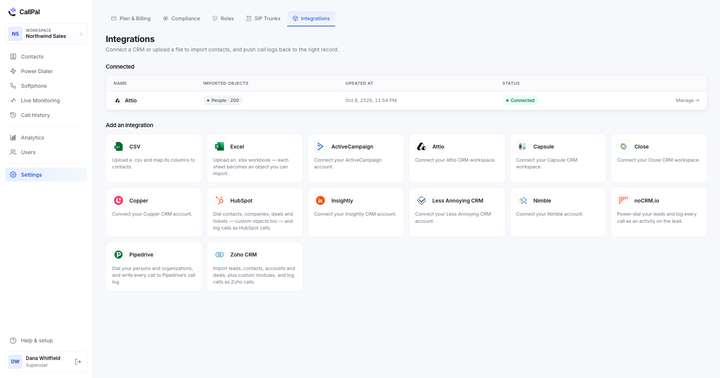
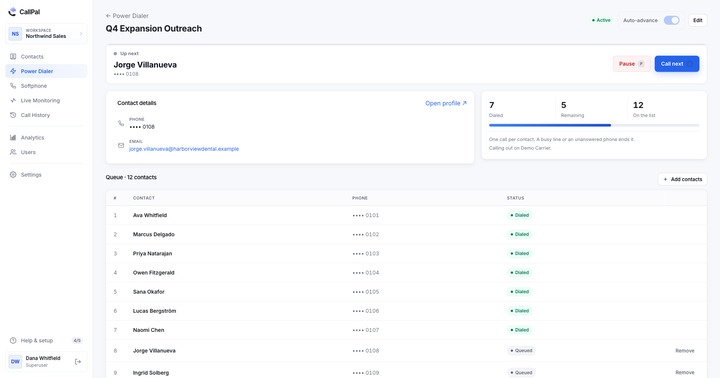
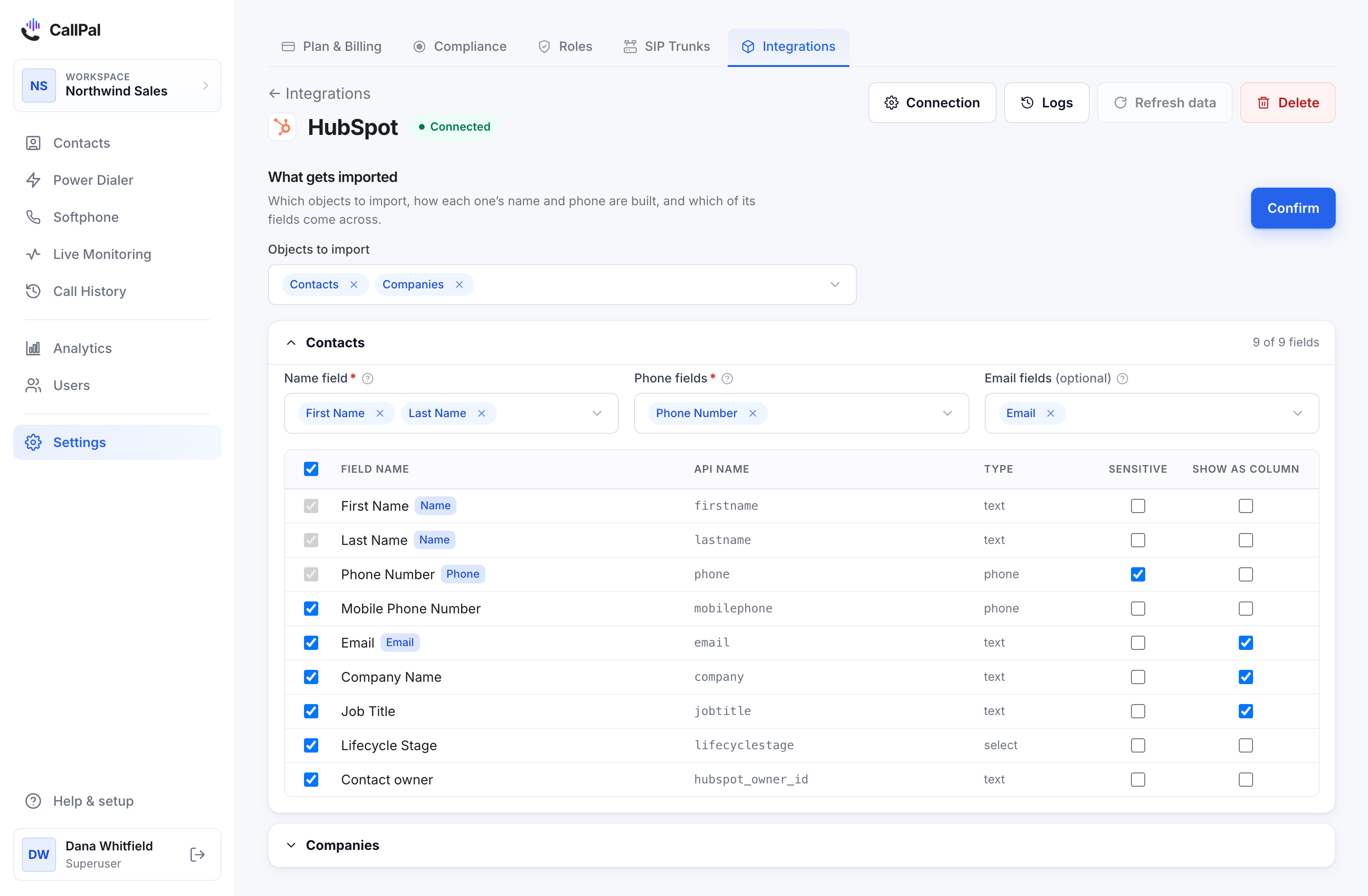
This is our product. You connect HubSpot in one click with OAuth. CallPal imports contacts, companies, deals and tickets with the properties you choose, including custom ones. Deals and tickets come with their associated contact’s number, so a pipeline stage or an open-ticket queue becomes a calling list. Reps call from the browser with click-to-call and a softphone, and on Pro and up the power dialer works those lists one call at a time. Each finished call is written to HubSpot as a native call on the record, with direction, duration, outcome, the numbers and a link to the recording in CallPal. Calls run over your own SIP trunk, so HubSpot’s minute allowance does not apply and there is no per-minute markup from us. Plans are $19, $39 and $59 per user per month, with a 14-day trial and no card required.
Good for outbound teams that dial more than HubSpot’s allowance, call internationally, or want to keep their carrier and numbers, and that work deals or tickets rather than only contacts. Watch out for the limits. CallPal is outbound only, with no inbound routing or IVR. It has no SMS, WhatsApp or AI transcription. Reps dial from CallPal’s own tab, not from a calling window inside HubSpot. Records re-sync every 30 minutes or on demand. Custom objects can be imported and dialed, but calls made from them are not logged back to HubSpot. You also need your own SIP carrier account (Twilio, Telnyx or similar), which is an extra setup step. Setup details are in the HubSpot guide and on the HubSpot integration page.
How to choose
- You are on Sales Hub Enterprise and the minutes cover you: start with HubSpot’s own power dialer. Nothing to install.
- You need inbound, SMS or WhatsApp as well as outbound: shortlist JustCall, Aircall and CloudTalk, and pick on which channel matters most.
- You want more conversations per hour from the same reps: trial the parallel dialers from Kixie, JustCall and CloudTalk, and listen to the calls.
- You run out of HubSpot minutes, call abroad, or already have a SIP carrier: CallPal is the bring-your-own-carrier option here. Compare its seat price plus your wholesale minutes against each bundled quote.
Whatever you shortlist, run the same test with each: connect a real HubSpot account, dial one real list for a day, then open five records you called. If each call is there as a HubSpot call, on the right record, with an outcome and a recording, and nobody typed it in, the tool works for your team.