CallPal
The short answer: call tracking answers "which ad, keyword or page made this person call us?" It gives each marketing source its own phone number, records the inbound call, and writes the source into your CRM. A dialer answers "who do we call next, and what happened?" It works through a list of contacts, places outbound calls, and logs each one on the record. CallRail is call tracking. Most teams that use it for inbound attribution still need something else for outbound calling.
Statements about CallRail come from its own product and integration pages, checked on 25 November 2026.
What call tracking does
CallRail describes it this way: "Call Tracking shows what marketing drives your calls and texts while giving you the context you need to understand the value of every lead." The mechanism behind most of it is dynamic number insertion: a script on your website "will detect the phone numbers on your web page and swap them with the correct tracking number", so a visitor from a Google ad sees a different number from a visitor who came from an email.
When that visitor calls, the call arrives on the tracking number, and CallRail knows the source, medium, campaign, keyword and landing page behind it. Its reports then show "which campaigns, keywords, and channels generate calls and texts". This is marketing data. It tells you where leads come from, not what your sales team did with them.
What CallRail writes into your CRM
Zoho CRM
CallRail’s Zoho page says: "Every time a lead calls, texts, or submits a form, CallRail manages the data entry behind the scenes by checking Zoho for a matching phone number or email." It "updates the existing lead or creates a new one on the spot, then logs a note". The note carries the "marketing source, medium, campaign, landing page, and keywords", plus an AI call summary when CallRail’s Conversation Intelligence is on. CallRail lists the Zoho integration’s first release as October 2026.
Two details worth knowing before you rely on it. The page describes a note on the record, not a record in Zoho’s Calls module, so Zoho’s own call reports will not count these calls. And it describes inbound leads only; it does not say outbound calls are synced.
Pipedrive
The Pipedrive integration works the same way: CallRail "creates a record in Pipedrive for every inbound call", matching on phone number or email, and posts a note with the source, medium, campaign and landing page. It lists a first release of August 2026. Our Pipedrive phone integration comparison puts it next to RingCentral, JustCall, Aircall and CallPal.
Other CRMs
CallRail’s integrations directory also names Salesforce and HubSpot, next to ad platforms, analytics tools, Zapier and webhooks. For any CRM, read that CRM’s own integration page: it says what is matched, what is created and what goes into the note.
What "outbound call tracking" actually means
The phrase is used for two different things, and it helps to know which one you are looking for.
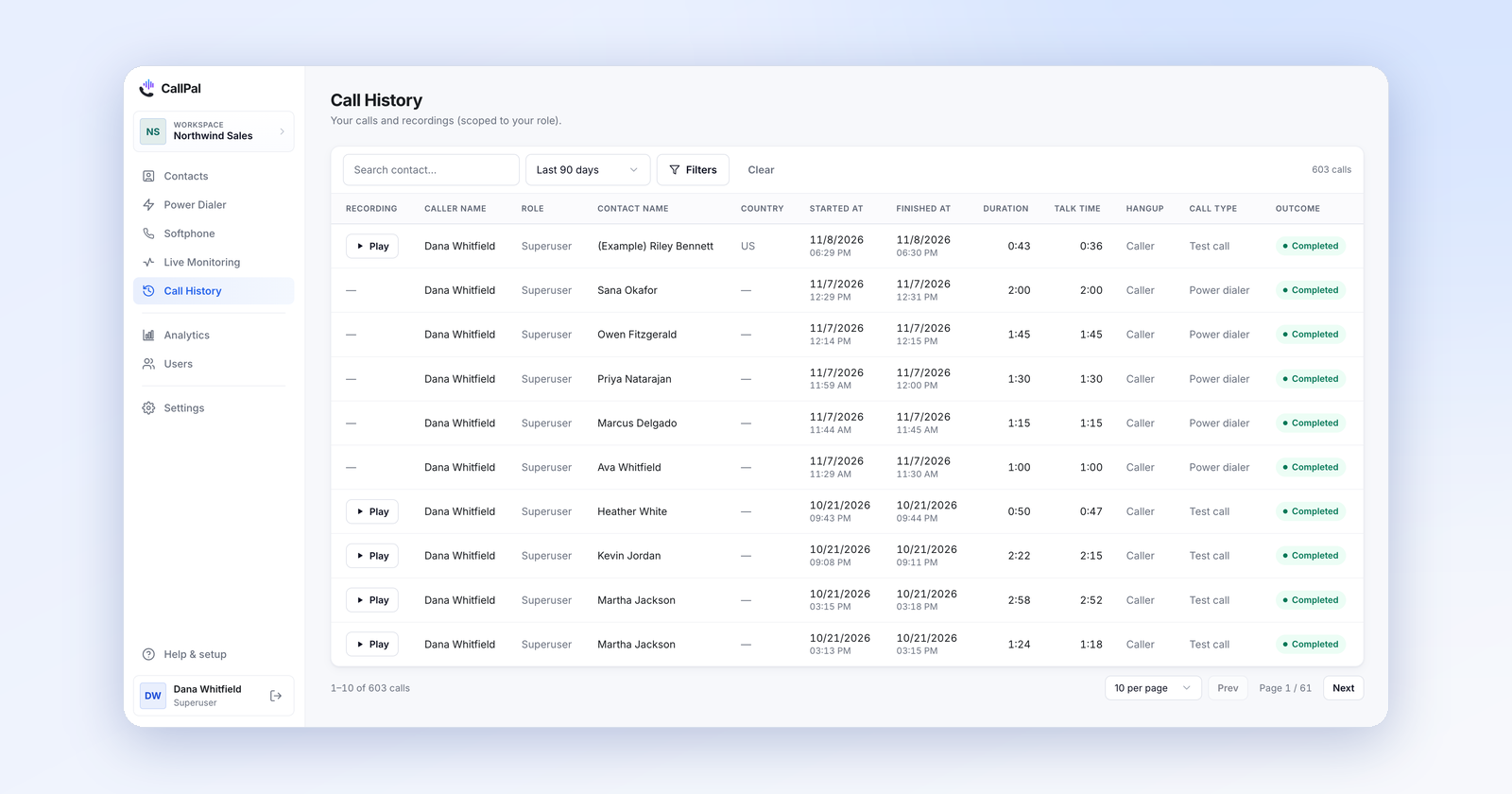
- Tracking the outbound calls your team makes. Who called whom, when, for how long, what the outcome was, and a recording. This is a call log, and it is what a dialer or phone system writes into your CRM after each call.
- Attributing outbound calls to marketing. For example, knowing that a callback went to a lead who came from a particular campaign. This only works if the inbound source is already on the CRM record, which is what call tracking puts there.
The pages we read describe CallRail’s outbound features as answering and returning calls from tracking numbers, not working a call list, and its CRM pages talk about inbound leads. If outbound tracking is what you need, the useful questions are about the call log: does every outbound call land on the right CRM record, with its outcome and recording, without anyone typing it? Our guide to logging calls in your CRM automatically lists what a good log entry contains.
Side by side
| Call tracking (CallRail) | Outbound dialer | |
|---|---|---|
| Question it answers | Which marketing made the phone ring? | Who do we call next, and what happened? |
| Direction | Mostly inbound calls, texts and forms | Outbound calls |
| Phone numbers | Tracking numbers per source | Company numbers shown as caller ID |
| Goes into the CRM | Source, medium, campaign, keyword; new leads | Call log: outcome, duration, recording, notes |
| Who uses it | Marketing | Sales reps and their managers |
Using both together
The two fit together well because they write to the same CRM record. A lead calls from a paid search ad; CallRail creates the lead in Zoho or Pipedrive with the campaign and keyword in a note. A rep then works that lead, and every follow-up call is logged by the dialer on the same record. Months later, the record shows both where the lead came from and every call it took to close.
- Let call tracking own inbound: tracking numbers on the site and ads, and lead creation in the CRM.
- Let the dialer own outbound: call lists built from CRM views or stages, and the call log.
- Keep phone numbers in the CRM in one format, ideally E.164. Call tracking matches callers by phone number, so a number stored differently can turn a returning lead into a duplicate. The phone number formatter converts a list.
- Report on source from the call-tracking note and on activity from the call log, then join the two on the record.
Where CallPal fits
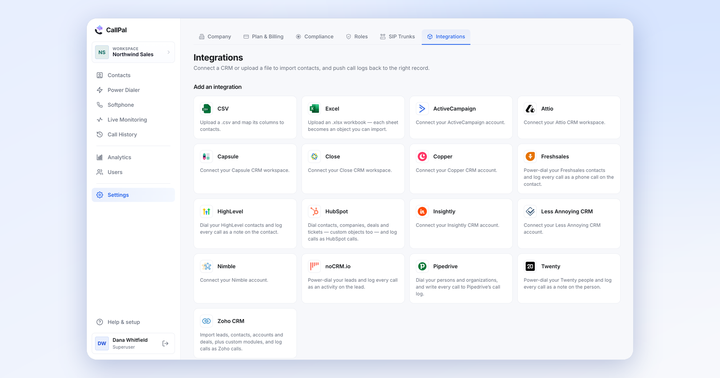
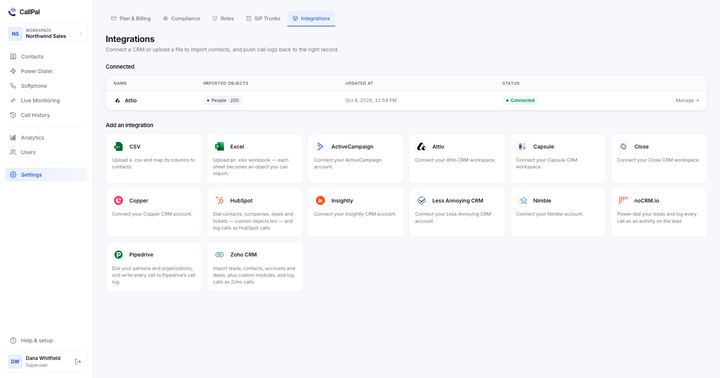
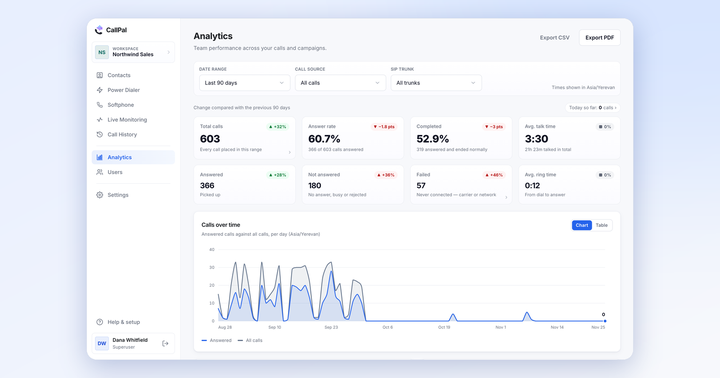
CallPal is the outbound half, not call tracking. It has no tracking numbers, no dynamic number insertion and no inbound calls. It syncs contacts from your CRM, including Zoho CRM and Pipedrive, works them through a power dialer on the Pro and Scale plans, and writes every call back: in Zoho as a record in the Calls module on the record you dialled, and in Pipedrive into its own call log. Because those are real call records rather than notes, the CRM’s own call reports count them.
Calls go out over your own SIP carrier with a company number on every call. If your marketing team already runs CallRail, CallPal sits beside it: CallRail creates and labels the inbound leads, CallPal calls them back and keeps calling.