CallPal
The short answer: Close is one of the few CRMs with serious calling built in, so start there. If you need a full phone system with texts and inbound routing next to Close, look at JustCall, KrispCall or Ringover. If you want a multi-line dialer and do not mind wiring it up with webhooks, look at Kixie. If your team mostly makes outbound calls, already pays a SIP carrier, and wants calls logged as real Close call activities, look at CallPal.
Disclosure: CallPal wrote this post, and CallPal is one of the six options. Every statement about another product comes from that vendor’s own site or Close’s integrations directory, checked on 1 November 2026. Where a page didn’t say, we write "not stated" instead of guessing. There are no competitor prices here, because they change too often for a blog post to keep up.
What a dialer for Close has to do
Close is built around the phone, which raises the bar for anything that calls on its behalf. Five questions separate the options:
- Where do you dial from? Inside Close, from a browser extension that adds call buttons, or from the dialer’s own app with your Close records imported. All three work; know which one you are buying.
- Does the call land as a Close call, or as a note? Close has its own call activity with a duration, a direction and a status, and its reporting counts those. A call written as a note is visible on the lead but invisible to call reporting.
- Does it understand leads? In Close, everything hangs off a lead, and the phone numbers sit on the lead’s contacts. A dialer that only reads contacts, or files calls on the wrong lead, breaks the timeline your team reads.
- Can it dial a Smart View? Smart Views are how Close teams build lists. Clicking one number at a time is click-to-call. Working a Smart View in sequence, with the next call starting when the last ends, is a power dialer.
- Who carries the minutes? Close and most phone systems sell you numbers and bill the minutes. A smaller group is BYOC, bring your own carrier: you connect a SIP trunk you already pay for. Our BYOC guide explains the trade-off.
The six options at a glance
| Close (built in) | JustCall | KrispCall | Ringover | Kixie | CallPal | |
|---|---|---|---|---|---|---|
| Where you dial | Inside Close | Click-to-call next to numbers in Close | From Close contact records, via its browser extension | Click-to-call from Close | Kixie’s Chrome extension or dialer | In CallPal, on records imported from Close |
| What logs back to Close | Native: it is Close’s own call | An activity for every call and text; recordings and voicemails playable in Close | Each call after it ends, with duration and type | Calls, recordings, tags and notes | Calls and texts on the matching lead, through webhooks you set up | A native Close call activity with status, duration, note and recording link |
| Dial a Smart View in sequence | Power Dialer (Growth plan and up) | Not stated | Not stated | Not stated | Through a Zapier trigger into a Kixie PowerList | A Smart View fills a campaign (Pro plan and up) |
| Inbound calls | Yes | Yes | Yes | Yes | Yes | No, outbound only |
| Texts | Yes | Yes, logged to Close | Yes | SMS and WhatsApp | Yes, logged to Close | No |
| Voicemail drop | Growth plan and up | Not stated | Not stated | Not stated | Not stated | Yes |
| Who carries the minutes | Close, billed by usage | Vendor numbers; ask about BYOC | Vendor numbers; ask about BYOC | Vendor numbers; ask about BYOC | Vendor numbers; ask about BYOC | Your own SIP trunk (BYOC only) |
The options, one by one
Close’s built-in calling
Every Close plan includes calling, recording and SMS, with calls charged by usage. Close’s pricing page puts the Power Dialer and voicemail drop on the Growth plan and up, and the Predictive Dialer on Scale. Because the calls happen inside Close, there is nothing to sync: every call is a native activity on the lead from the start.
- Good for: most Close teams. If the plan you are on has the dialer you need, adding a second tool adds a second bill and a second place for things to go wrong.
- Watch out for: the power dialer and voicemail drop are not on the entry plans, and the minutes come from Close. Teams that already pay a carrier, or whose call volume makes per-minute billing the biggest line, are the ones who look elsewhere.
JustCall
JustCall’s Close page describes click-to-call next to phone numbers in Close and calling from JustCall’s browser and mobile apps. It creates an activity in Close for every call made or received, and the same for inbound and outbound texts, with call recordings and voicemails playable from Close. It also points out that Close’s native SMS does not support international texts, which its integration does. Setup is an API key copied from Close.
- Good for: teams that need inbound routing and international SMS alongside Close.
- Watch out for: the Close page does not say whether JustCall’s Sales Dialer can dial a Close Smart View. Ask during the trial if list dialing is the point.
KrispCall
KrispCall is listed in Close’s integrations directory. Close’s listing says calls start from Close contact records and every call is logged in Close after it ends, with duration, type and caller information. KrispCall’s own pages add that its browser extension is needed for click-to-call, that both inbound and outbound calls are logged, and that SMS works from Close.
- Good for: a business phone system covering calls and texts, with both directions logged in Close.
- Watch out for: neither page says whether KrispCall dials Close Smart Views. Check their site.
Ringover
Ringover’s Close page describes one-click calling from Close, with every call, recording, tag and note logged in Close automatically. SMS and WhatsApp conversations are available from the interface, and contacts sync between Close and Ringover’s phonebook, so Close details show in the Ringover dialer.
- Good for: teams that talk to customers on several channels, WhatsApp included.
- Watch out for: the Close page doesn’t mention a power dialer working from Close lists or Smart Views. Ask before you plan around it.
Kixie
Kixie is a sales dialer with a multi-line PowerDialer. Its Close page is unusually candid: there is no one-click connector. Calls and texts reach Close through webhooks you set up, which send status, duration, the rep and the recording link, and create each call and text on the matching Close lead. To dial a Smart View, a Zapier trigger adds its leads to a Kixie PowerList, which reps can dial up to four lines at a time.
- Good for: high-volume teams that want multi-line dialing and have someone comfortable building webhooks and Zaps.
- Watch out for: Kixie’s page says webhooks and API access start at its Professional plan, and the Close side is something you build and maintain rather than switch on.
CallPal
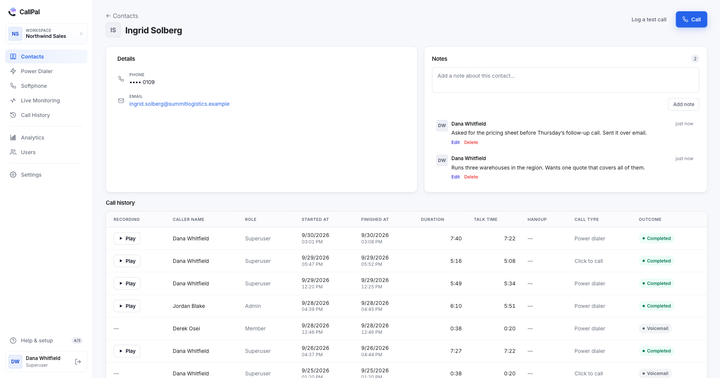
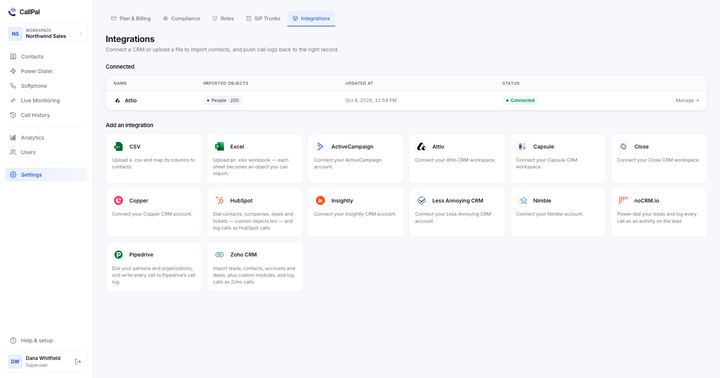
This is our product. CallPal is outbound calling software that runs on your own SIP trunk, and it is listed in Close’s integrations directory. You connect Close with one OAuth click, choose leads, contacts or both, and dial from CallPal’s browser softphone. A lead’s numbers are gathered from its contacts, so lead-first teams can dial leads directly. After the first import, CallPal reads only what changed, every 30 minutes, and custom fields come across with the record. The Close integration page goes into more detail.
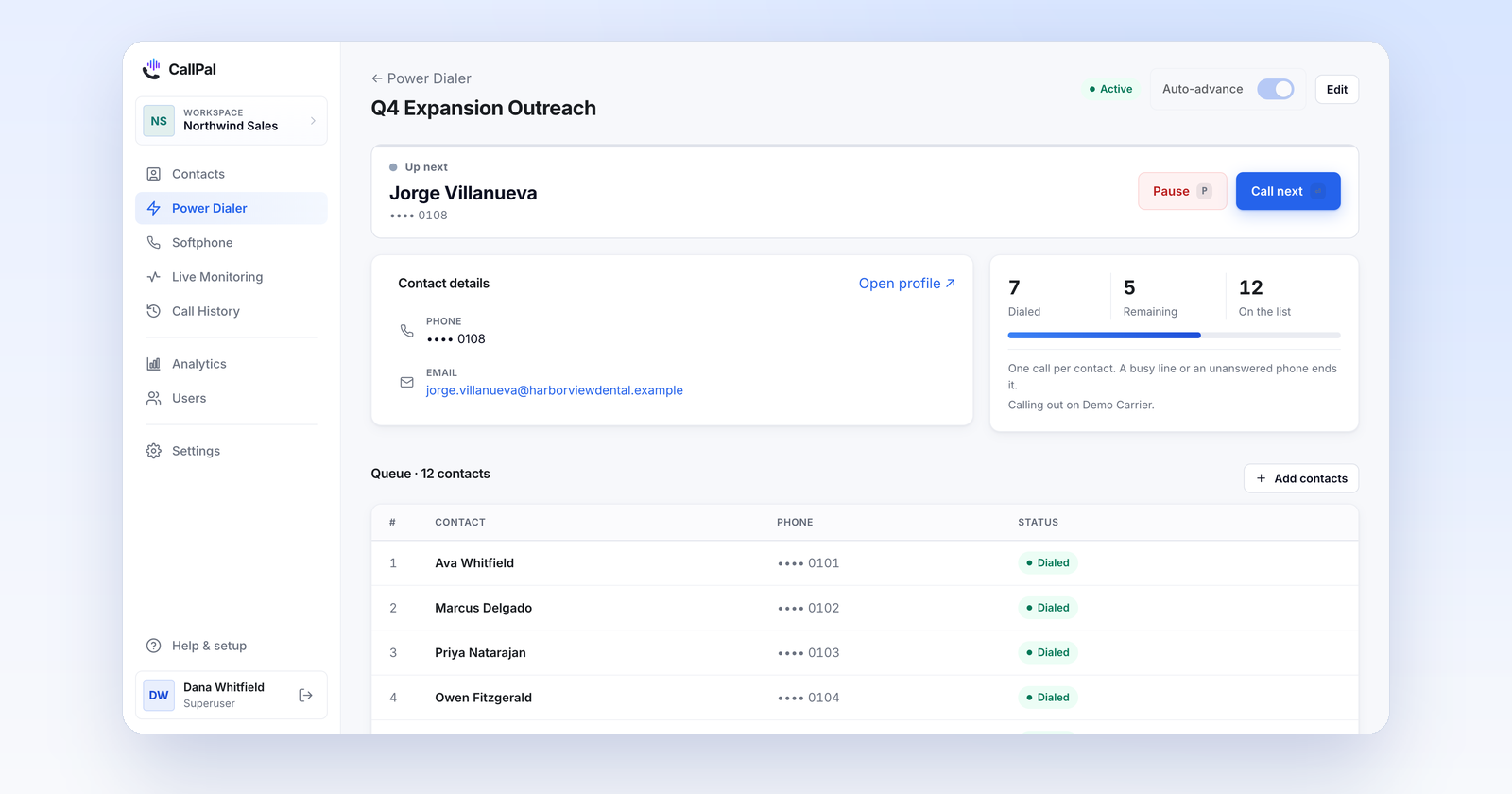
Every call logs back as a native Close call activity, filed on the lead: direction, duration, a status Close recognises (completed, no answer, busy, failed or voicemail), the note and a link to the recording. It counts in Close’s call reporting like a call placed inside Close. On the Pro plan and up, a Close Smart View can fill a power dialer campaign, up to 5,000 contacts at a time. You also get voicemail drop, recording with an automatic disclosure, a do-not-call list, calling hours, and live listen, whisper and barge on Scale.
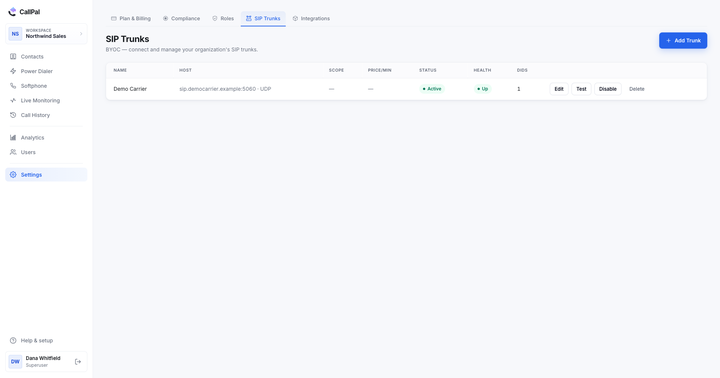
It is BYOC only: calls go out over your own carrier (Twilio, Telnyx or any SIP trunk) and CallPal adds no per-minute markup. Plans are $19, $39 and $59 per user per month, with a 14-day trial and no card required.
- Good for: outbound teams on Close who already pay a carrier or want to, who work Smart Views all day, and who need every call to count in Close’s reporting.
- Watch out for: CallPal is outbound only, with no inbound routing and no SMS, and AI call summaries (Pro and Scale) stay in CallPal rather than Close. You dial from CallPal, not from inside Close. If you don’t have a SIP carrier yet, setting one up is an extra step.
How to choose
- Close’s own dialer covers your plan and your volume. Stay with it. Nothing on this list logs a call more natively than Close itself.
- You answer as many calls as you make, or texts are part of the sequence. You need a phone system: JustCall, KrispCall or Ringover. CallPal does not handle inbound or SMS.
- You want several lines ringing at once. Kixie’s multi-line PowerDialer, or Close’s Predictive Dialer on Scale.
- You work Smart Views all day and want calls in Close reporting. Ask each vendor to show a Smart View being dialed and the resulting call in Close’s call report. Close itself and CallPal do both natively; Kixie does it through Zapier.
- You already pay a SIP carrier, or minutes are your biggest calling cost. That is where BYOC, and CallPal, fits. The outbound calling software guide covers the wider market.
Whatever you pick, run one test in the trial: call ten leads from a Smart View, then open Close’s call reporting. Each call should be there, on the right lead, with a duration and a status, and nobody should have typed it. Logging calls in your CRM automatically explains why that test matters more than any feature on this page.