CallPal
The short answer: for a B2B team under ten reps, the cheapest outbound calling software is rarely the one with the lowest seat price. Add up seats, minutes, numbers and add-ons for your real call volume. Then compare what the price leaves out: CRM logging, the dialing mode, caller ID, recordings and how long setup takes. Most small teams need a power dialer or click-to-call, not predictive dialing, IVR or a full sales engagement suite.
This guide does not rank vendors or quote their prices, which change too often to keep current. It gives you the questions that decide the price you actually pay, so you can ask every vendor the same ones.
The four lines on the bill
| Line | How it is usually charged | Question to ask |
|---|---|---|
| Seats | Per user, per month; cheaper if paid yearly | Is there a minimum number of seats? |
| Minutes | Bundled with a cap, per minute, or billed by your own carrier | What does one month of our calls cost, to our countries? |
| Phone numbers | Rented per number, per month | Can we keep our numbers if we leave? |
| Add-ons | AI, recording storage, extra integrations, support tiers | Which features in the demo are not in this plan? |
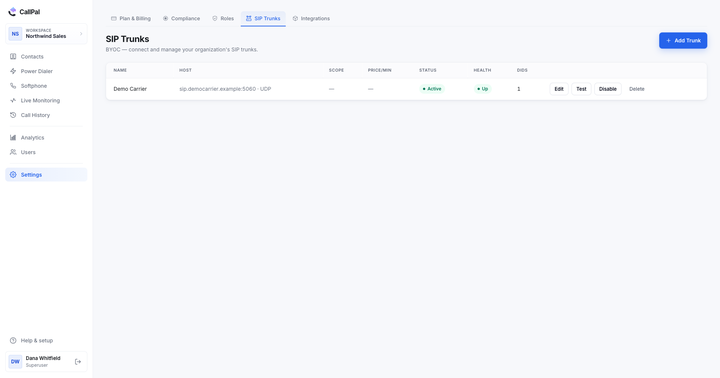
Minutes are the line that grows with success. A team that doubles its dials doubles that line, while seats stay the same. If the platform bills minutes itself, ask for the per-minute rate to every country you call. If it lets you bring your own carrier, you pay the carrier’s rate directly; the SIP trunk cost comparison shows published carrier rates side by side, and the call cost calculator turns your dials and talk time into a monthly figure.
Then check the minimums. Some platforms sell only annual contracts, or require a minimum number of seats, which can make a three-person team pay for five. A published price and a monthly plan are worth more to a small team than a discount you only get by committing for a year.
Eight things to compare besides price
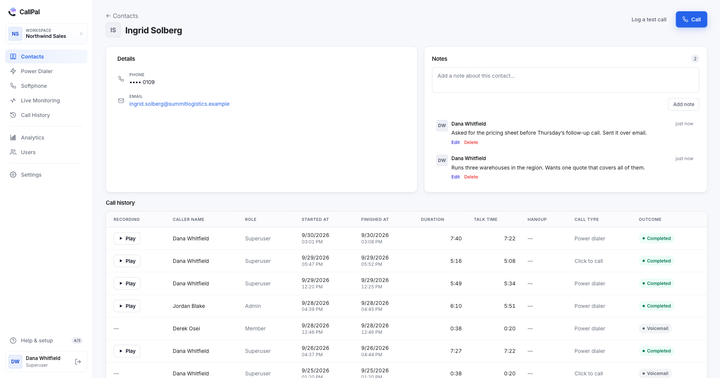
- Does every call land on the CRM record by itself? Duration, outcome, notes and a recording link, on the right contact, with no copy and paste. If reps have to log calls by hand, a small team simply stops doing it.
- Is your CRM really supported? Check for a native integration with your CRM, not a Zapier recipe or a browser extension that only works on one page. Smaller CRMs are where integration lists get thin.
- Which dialing mode does it use? One call per rep (power dialer) or several at once (parallel or predictive). For a small team the first is almost always right; see the next section.
- Which number does the prospect see? A company number on every call, never a rep’s mobile, and ideally a local number picked automatically when you have one.
- What happens to recordings? Whether calls are recorded, whether a disclosure can play first, how long recordings are kept and who can listen.
- How long until the first real call? A tool that needs a week of setup and a consultant costs more than its price. Ask for the steps from sign-up to first call.
- Can a manager see and coach? At minimum, call history and simple numbers per rep. Live listening or whispering helps when you onboard new reps.
- What does leaving cost? Whether you can export call history and recordings, and whether your phone numbers can move with you.
Match the dialer to your call volume
| Your calling | What fits | What you can skip |
|---|---|---|
| A few calls a day per rep, mostly warm leads | Click-to-call from the CRM, with automatic logging | Any list dialer |
| Working lists of 50–150 dials a day per rep | A power dialer: one call per rep, next contact queued | Predictive and parallel dialing |
| 20+ reps dialing large cold lists at the same time | Parallel or predictive dialing can start to pay off | Nothing; this is where it earns its cost |
| Calls in and out from the same team | A phone system with inbound routing and a dialer | A separate outbound-only tool |
Low-volume, high-value leads deserve the slowest mode, not the fastest. When each lead matters, a rep should see the record before the call and never lose a person to a dropped line. A preview dialer or a power dialer with a pause between calls does that. Parallel dialing makes sense when most numbers will not answer and losing an occasional pick-up is acceptable, which describes a large cold list, not a small team’s pipeline.
High-volume teams should still check what parallel dialing costs them in dropped calls and caller-ID reputation before they buy it. Our parallel dialer and power dialer vs predictive dialer pages explain the trade.
What a team under ten can usually skip
- Predictive dialing. It needs many reps calling at once to work, and it drops some of the people who answer.
- IVR menus and call queues, if nobody on the team takes inbound calls.
- A full sales engagement suite, if your outbound is a call list rather than a multi-step email and call programme.
- Enterprise contracts. Annual commitments and seat minimums make sense for a stable floor of fifty, not for a team still finding what works.
None of these are bad features. They are features a small team pays for and rarely opens, and they make setup longer.
Run the trial with your own calls
- Connect your real CRM, or upload a real list, on day one.
- Make at least ten calls per rep, including a wrong number, a voicemail and a call that is answered.
- Check that each call is on the right CRM record with the right outcome, without anyone typing it in.
- Ask the prospect side what they saw: call a colleague’s phone and look at the caller ID.
- Work out one month’s cost from the trial: seats plus the minutes you actually used.
The power dialer ROI calculator turns the time a dialer saves per call into hours and conversations per month, which is the other side of the price.
Where CallPal fits
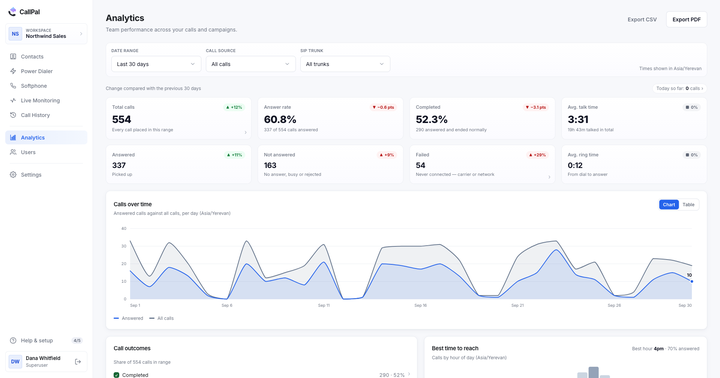
CallPal is outbound calling software built for small and mid-sized B2B teams that only dial out. Prices are published: Starter $19, Pro $39 and Scale $59 per user per month, 20% less when paid yearly, with a 14-day trial that needs no card. There is no seat minimum. CallPal does not sell minutes or numbers: calls run over your own SIP carrier, so you pay that carrier’s rate with nothing added, and the numbers stay yours.
Starter covers browser click-to-call, contact import, one CRM integration and recordings kept 90 days. Pro adds the power dialer, AI call summaries, unlimited CRM integrations and a year of recordings. Scale adds live listen, whisper and barge, and recordings kept until you delete them. Every call shows a company number and is logged back to the CRM record it came from. See pricing for the full plan table.
Watch out for the limits. CallPal has no inbound calls, IVR or SMS, and no predictive or parallel dialing. You need an account with a SIP carrier, such as Telnyx or Twilio, which bundled tools do not ask for; connecting one is the main setup step.